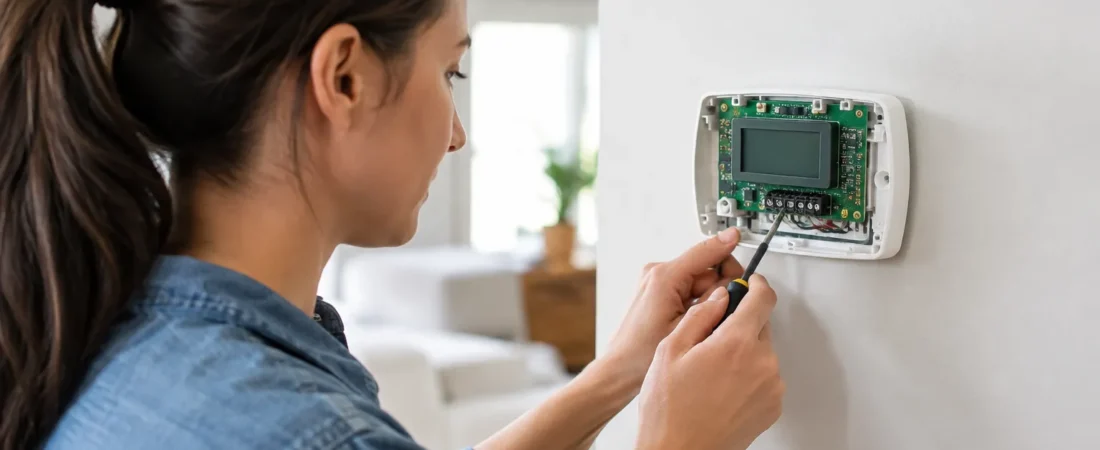
If your thermostat is not starting the heat or air conditioning, the problem may be a setting, battery, connection, or HVAC equipment issue—not necessarily a failed thermostat. These safe checks can help you narrow down what to do before arranging HVAC thermostat repair, and show when it is time to stop and call a licensed technician.
Start With Thermostat Power and Batteries
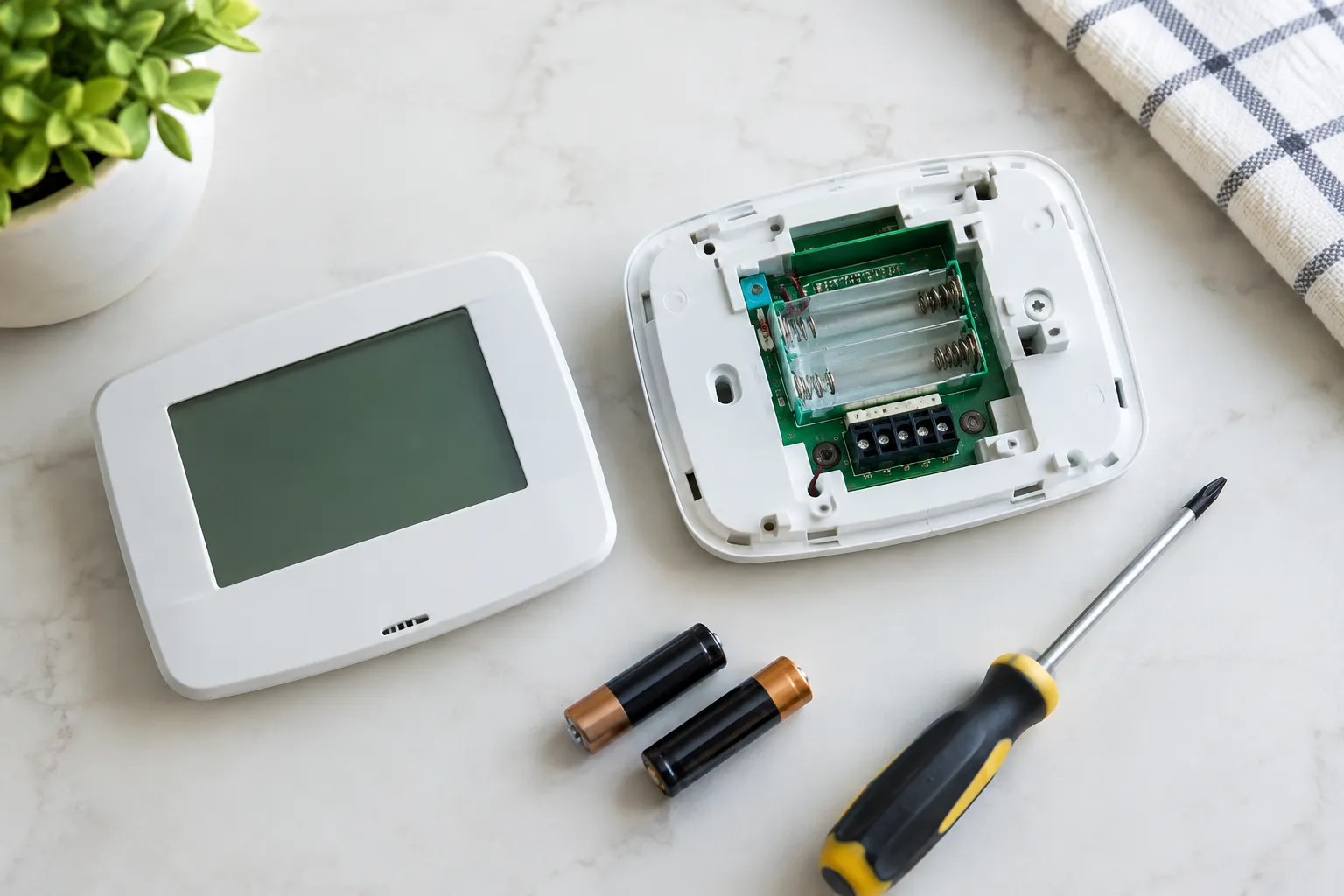
A blank or flickering display can be caused by dead batteries or an interrupted power supply. Start with checks you can make without opening the thermostat or handling wires.
- If the thermostat uses replaceable batteries, check its manual or the markings inside the battery compartment for the correct type and orientation. Replace them if needed, then wait for the display to restart.
- If the thermostat is hardwired, check whether its display returns after a brief power interruption, such as a tripped circuit breaker. Only reset a breaker if you can do so safely and there are no signs of electrical damage. If it trips again, leave it off and contact a professional.
- If the screen remains blank, note whether your heating or cooling equipment is also unresponsive. The thermostat may not be the only source of the problem.
Do not remove the thermostat from its mounting plate to investigate wiring. If you notice a burning smell, damaged parts, or signs of overheating, stop and arrange professional help.
Check Mode, Temperature, and Schedule Settings
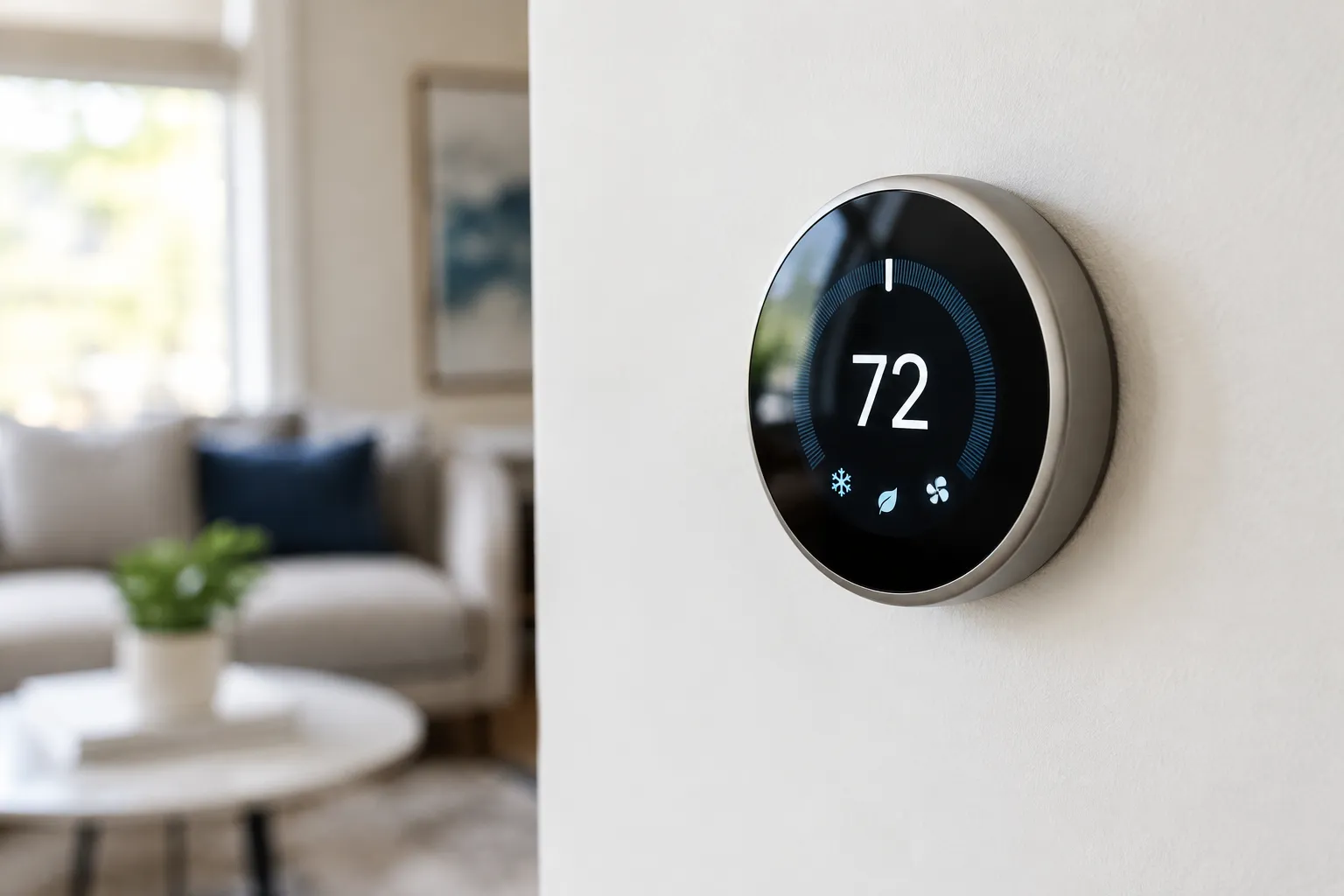
A thermostat can appear to malfunction when its settings are preventing the system from running. Confirm these basics before assuming the control needs repair:
- Mode: Select Heat when you want heating or Cool when you want cooling. Auto mode may switch between the two, depending on the thermostat’s settings.
- Setpoint: For heating, set the target temperature above the room reading; for cooling, set it below the room reading. Allow time for the system to respond.
- Fan: Auto generally runs the fan when the system is heating or cooling. On keeps the fan running continuously on many systems, which may make it seem as though heating or cooling is active when it is not.
- Schedule and hold: Check whether a programmed schedule or temporary hold is overriding your preferred temperature. Follow the thermostat’s instructions to adjust or cancel the setting.
If the thermostat shows the correct mode and setpoint but the system does not respond, record what you checked. Repeatedly changing settings can make it harder to identify what triggered the problem.
Inspect Only Safe, Visible Connections
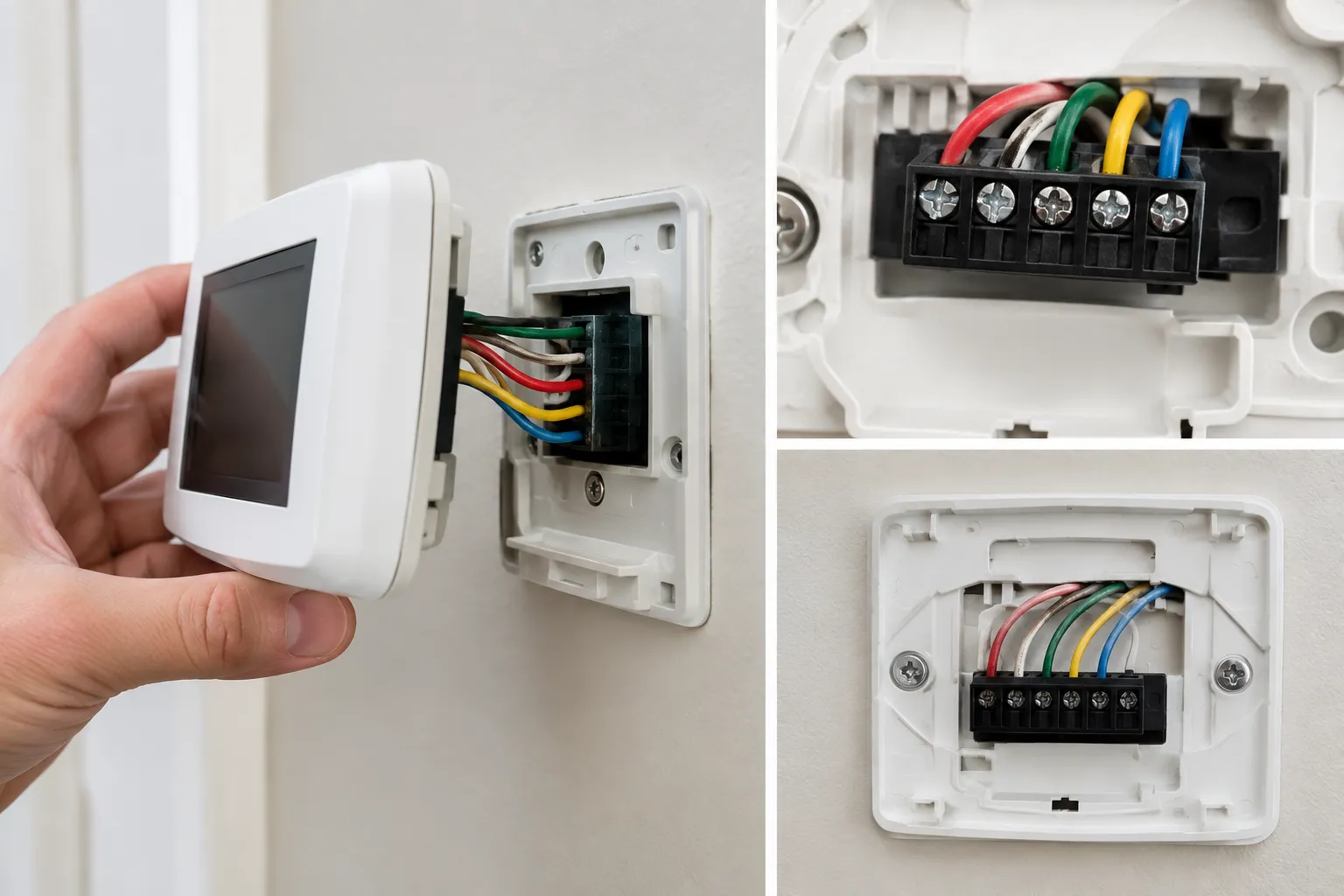
A thermostat cover that is visibly loose may not sit correctly on its mounting plate. If your model allows it, gently check that the cover is seated as the manufacturer intended. Do not force it or remove the plate.
You can also look for obvious external damage, such as a cracked cover or a thermostat that has pulled away from the wall. Do not touch exposed wires, terminals, or the inside of the wall opening. Even low-voltage thermostat wiring connects to HVAC equipment, and a wiring issue can be difficult to distinguish from a control problem by sight alone.
If the thermostat is loose because the wall or mounting surface is damaged, or if any wiring is visible, leave it in place and ask a qualified technician to inspect it.
Match Symptoms to the Likely HVAC Problem
Troubleshooting can help identify whether the issue follows a setting, a room condition, or the system’s response. It cannot confirm a wiring or equipment fault. When the cause is unclear, a licensed HVAC technician can diagnose the system rather than relying on guesswork.
When the system does not respond
If neither heating nor cooling starts, first confirm the mode, setpoint, schedule, and power. If those checks are correct and the equipment still does not run, the cause could involve the thermostat, its wiring, or the HVAC equipment.
A system that will not switch off, or that starts and stops repeatedly, also needs attention. These symptoms can have several causes, so avoid trying to repair the thermostat’s wiring or adjust internal equipment. If the system is behaving unpredictably, turn it off using the normal control if you can do so safely, then contact a technician.
When readings or room temperatures seem wrong
Compare the thermostat reading with how the room feels and, if useful, with a separate thermometer placed nearby. A noticeable difference may relate to the thermostat’s location, its settings, or a broader heating or cooling issue.
Direct sunlight, drafts, and nearby heat sources can affect how a thermostat senses the room. Don’t move or recalibrate a thermostat unless the manufacturer’s instructions explain how to do it for your model. If some rooms are uncomfortable while the thermostat seems to show a reasonable temperature, the cause may be elsewhere in the HVAC system.
When smart controls stop responding
If a smart thermostat stops responding in an app, first check its display, power, mode, and schedule. A problem with remote access does not necessarily mean the heating or cooling equipment has failed.
If the thermostat works at the wall but not through the app, follow the manufacturer’s instructions for basic connection checks. Persistent control problems, repeated disconnections, or a thermostat that cannot operate the system normally warrant professional diagnosis.
Know When HVAC Thermostat Repair Needs a Pro
DIY troubleshooting should stay limited to settings, batteries, and safe visual checks. If those steps do not resolve the issue, it is safer to get a diagnosis than to remove the thermostat or experiment with wiring. For more home repair and maintenance guidance, visit House Project Lab.
Stop if you suspect a wiring or equipment fault
Stop and contact a licensed HVAC technician if you see damaged or exposed wiring, smell burning, hear unusual equipment noises, or notice the system repeatedly tripping a breaker. Do not touch the wiring or keep resetting a breaker that trips again.
A thermostat symptom does not identify which component has failed. A technician can inspect the controls and equipment to determine whether the problem is at the thermostat, in the wiring, or elsewhere in the system. If you are unsure whether something is safe to check, leave it alone and seek professional help.
Check compatibility before replacing the thermostat
A replacement thermostat must be compatible with the HVAC system and its wiring. System type and existing connections can affect which models are suitable, so a thermostat that looks like a match may not be appropriate for your setup.
Before buying or installing one, check the thermostat manufacturer’s compatibility information and the documentation for your HVAC equipment. If the wiring or system type is unclear, have a licensed HVAC technician confirm the match. Replacing a thermostat without verifying compatibility can create control problems or leave the system operating incorrectly.
Thermostat Repair FAQ
How much does it cost to replace a HVAC thermostat?
The total cost varies with the thermostat selected, the work required, and whether the existing wiring and HVAC system are compatible. Ask for an itemized estimate that separates the thermostat, labor, and any additional work.
How to tell if a HVAC thermostat is going bad?
A thermostat may be failing if it repeatedly loses its display, does not respond to correct settings, or controls the system inconsistently. Those symptoms can also come from wiring or HVAC equipment problems, so they do not confirm a failed thermostat.
Can I replace my HVAC thermostat myself?
You may be able to replace a thermostat if the manufacturer’s instructions cover your system and you can confirm compatibility, but do not handle uncertain or damaged wiring. If the system type or connections are unclear, have a licensed HVAC technician do the work.
Record Your Checks and Arrange Service
Before calling, write down what the thermostat displayed, which mode and settings you checked, whether you replaced its batteries, and what the HVAC system did in response. Note when the problem started and whether it happens consistently or only sometimes.
Share that information when arranging service, along with any signs of wiring damage, burning smells, unusual noises, or repeated breaker trips. If the system remains unreliable, or you suspect an electrical or equipment fault, stop troubleshooting and contact a licensed HVAC technician.