
Routine HVAC maintenance starts with a few checks you can do safely: inspect the air filter, keep vents clear, and look for changes around the equipment. The goal is to catch simple issues early, understand what needs professional attention, and keep a useful record of care.
What HVAC maintenance covers and why it matters
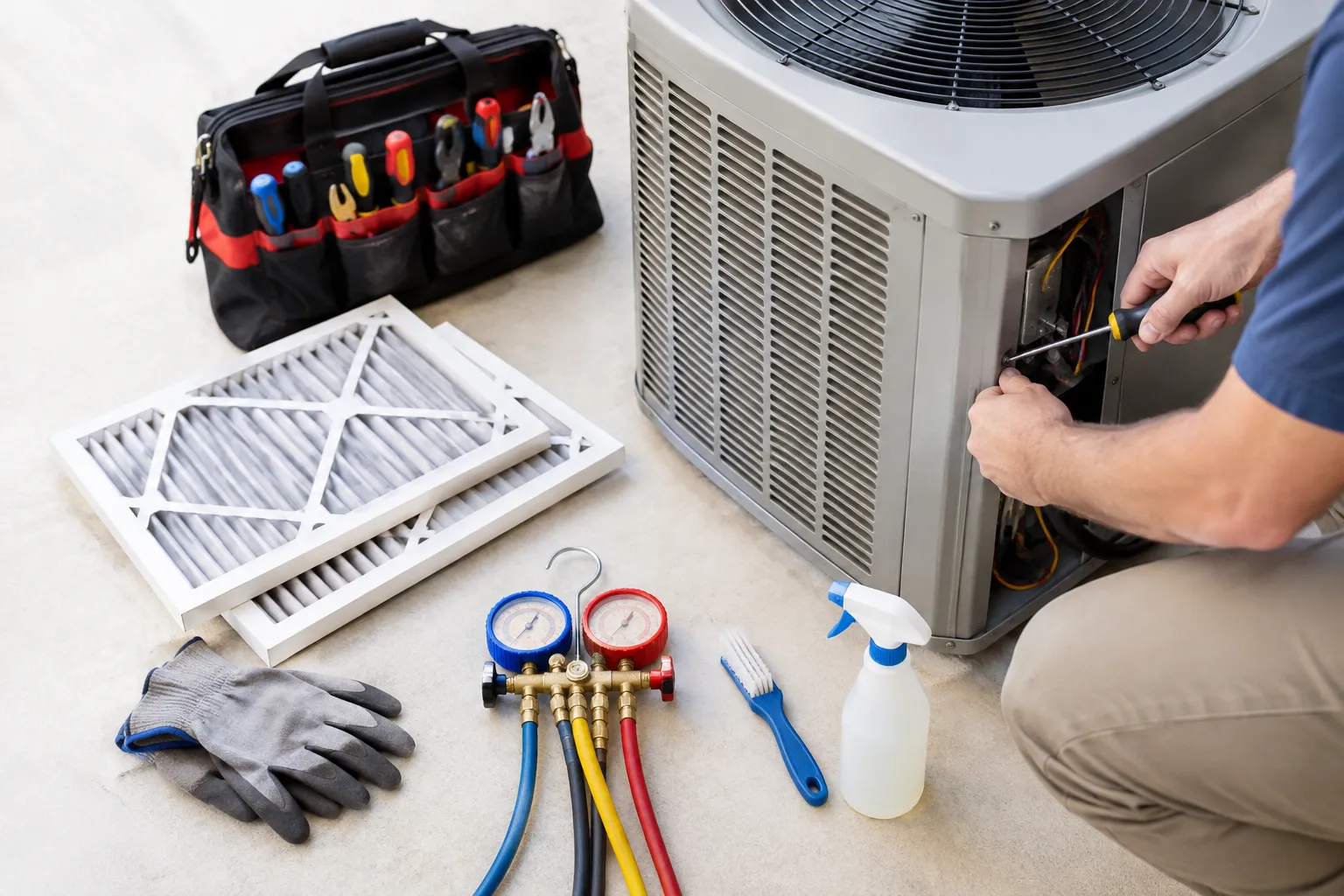
HVAC maintenance is the routine care and inspection of the equipment that heats and cools your home. It includes homeowner tasks such as checking the filter and clearing outdoor debris, as well as professional inspections and service.
Maintenance is different from repair. Maintenance helps you spot developing problems and keep the system’s basic operating conditions in order. Repair addresses a fault that is already affecting performance, such as a system that will not start, a persistent loss of cooling, or a leak.
A practical routine can help you notice changes before they become harder to diagnose. For example, a dirty filter or blocked return grille may restrict airflow. If the filter is clean and vents are open but some rooms still feel unusually warm or cool, that may point to a problem needing further assessment.
Start with the equipment’s manuals and labels. System designs vary: a heat pump, furnace, central air conditioner, and ductless system may have different maintenance needs. If you are unsure what a component is or how to access it, do not dismantle the equipment. Our home maintenance guides cover practical care and repair decisions around the home.
In brief, a useful HVAC maintenance routine includes:
- Checking and replacing the filter according to its instructions and condition.
- Keeping supply registers and return grilles unobstructed.
- Confirming the thermostat is set to the intended mode and temperature.
- Keeping the area around outdoor equipment clear.
- Arranging professional inspection and service when needed.
- Recording filter changes, service visits, symptoms, and repairs.
Build a simple schedule for homeowner checks
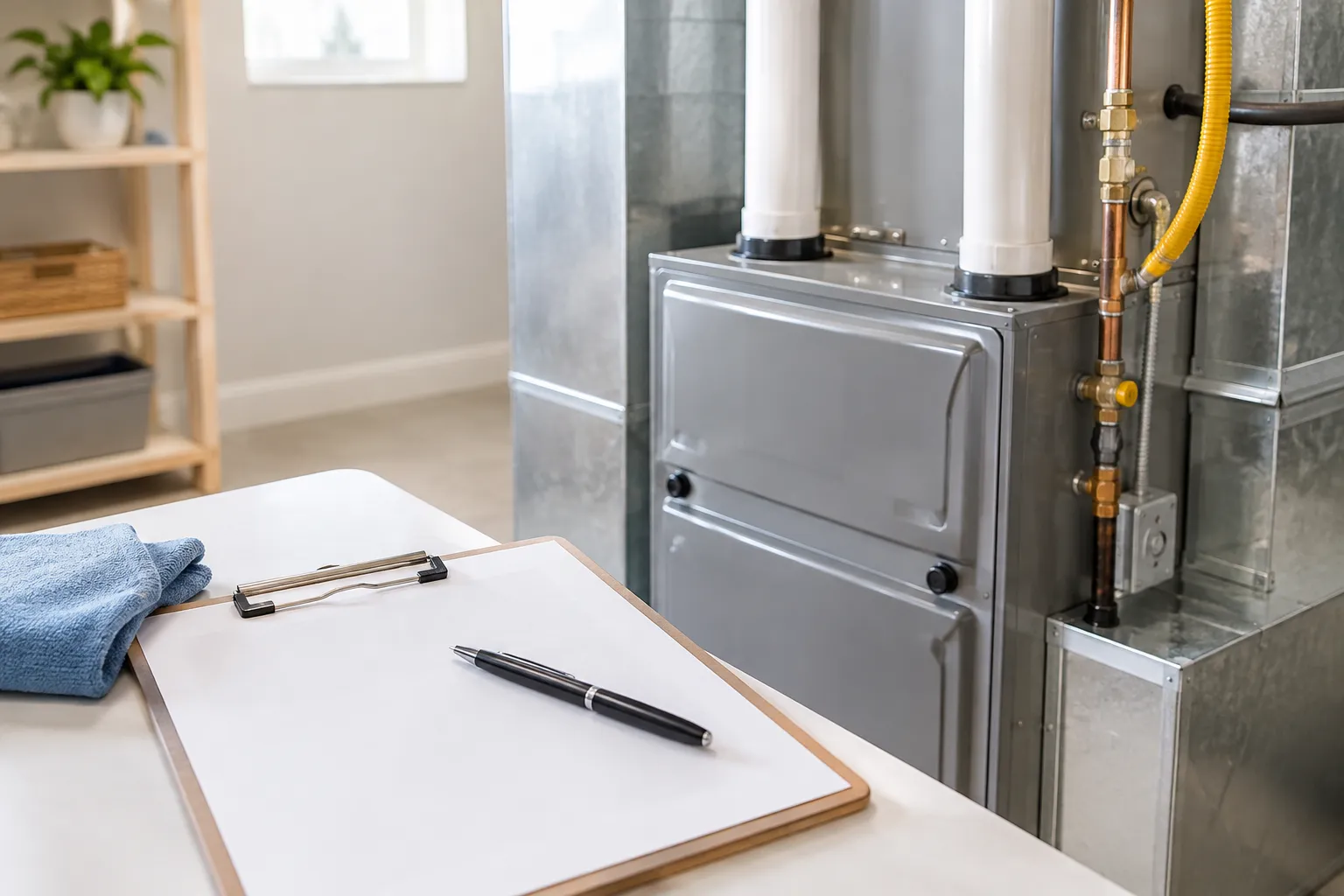
A workable schedule is one you can remember and adapt to your household. Instead of relying on a single calendar rule, follow the system and filter manufacturers’ instructions, then check more often if the filter appears dirty or your home has conditions that create more dust, such as pets, construction, or frequent open-window use.
A quick visual check when changing seasons can also help you notice debris, blocked vents, or unfamiliar sounds. For a more equipment-specific walkthrough, see our guide to AC maintenance steps. The same caution applies throughout: homeowner checks should stay external and simple unless the manufacturer’s instructions clearly say otherwise.
Check and replace the air filter
A filter that is clogged with dust can impede airflow. The right replacement and change interval depend on the system and filter, so check the equipment manual and the filter’s own instructions rather than assuming every home follows the same schedule.
To check it:
- Locate the filter slot or access panel using the system manual.
- Turn the system off before removing the filter if the instructions call for it.
- Note the filter’s size and the airflow-direction arrow before taking it out.
- Inspect the filter. If it is visibly loaded with dust or debris, replace it if it is disposable, following the manufacturer’s guidance.
- Fit the replacement in the correct direction and close the access panel securely.
Do not run the system without the required filter. If the filter does not fit, the access door will not close, or you cannot identify the correct replacement, check the manual or ask a qualified technician rather than forcing it. Reusable filters require cleaning and drying as directed; reinstalling one while damp can create problems.
After changing the filter, make a note of the date. That record helps you see how quickly it collects dust and decide whether to inspect it more frequently.
Keep vents and registers clear
Supply registers deliver conditioned air to rooms; return grilles draw air back into the system. Keep both clear of furniture, rugs, curtains, storage, and accumulated dust. Check that adjustable registers are open to the intended position.
Closing multiple vents to redirect air can affect system airflow. If one room is consistently uncomfortable, do not assume shutting off other vents is the solution. Check for simple obstructions first, then note the pattern and discuss it with a technician if it persists.
You can dust accessible vent covers gently. Do not reach deep into ductwork or use tools that could damage a grille or push debris farther inside. If you see moisture, heavy debris, or signs of pests, contact a professional for advice.
Review thermostat settings and operation
Before assuming the heating or cooling equipment has failed, confirm that the thermostat is set to the intended mode—heating, cooling, or off—and that the temperature setting calls for the system to run. If it uses batteries, check whether they need replacing according to the thermostat instructions.
Pay attention to a difference between the set temperature and the conditions in the room. A thermostat near a heat source, in direct sunlight, or in a draft may not reflect the comfort of the whole home. Do not move or rewire it without understanding the installation requirements.
If the display is blank, settings change unexpectedly, or the system does not respond after basic checks, write down what you observe. Stop if troubleshooting would require opening electrical compartments or altering wiring.
Care for the outdoor unit safely
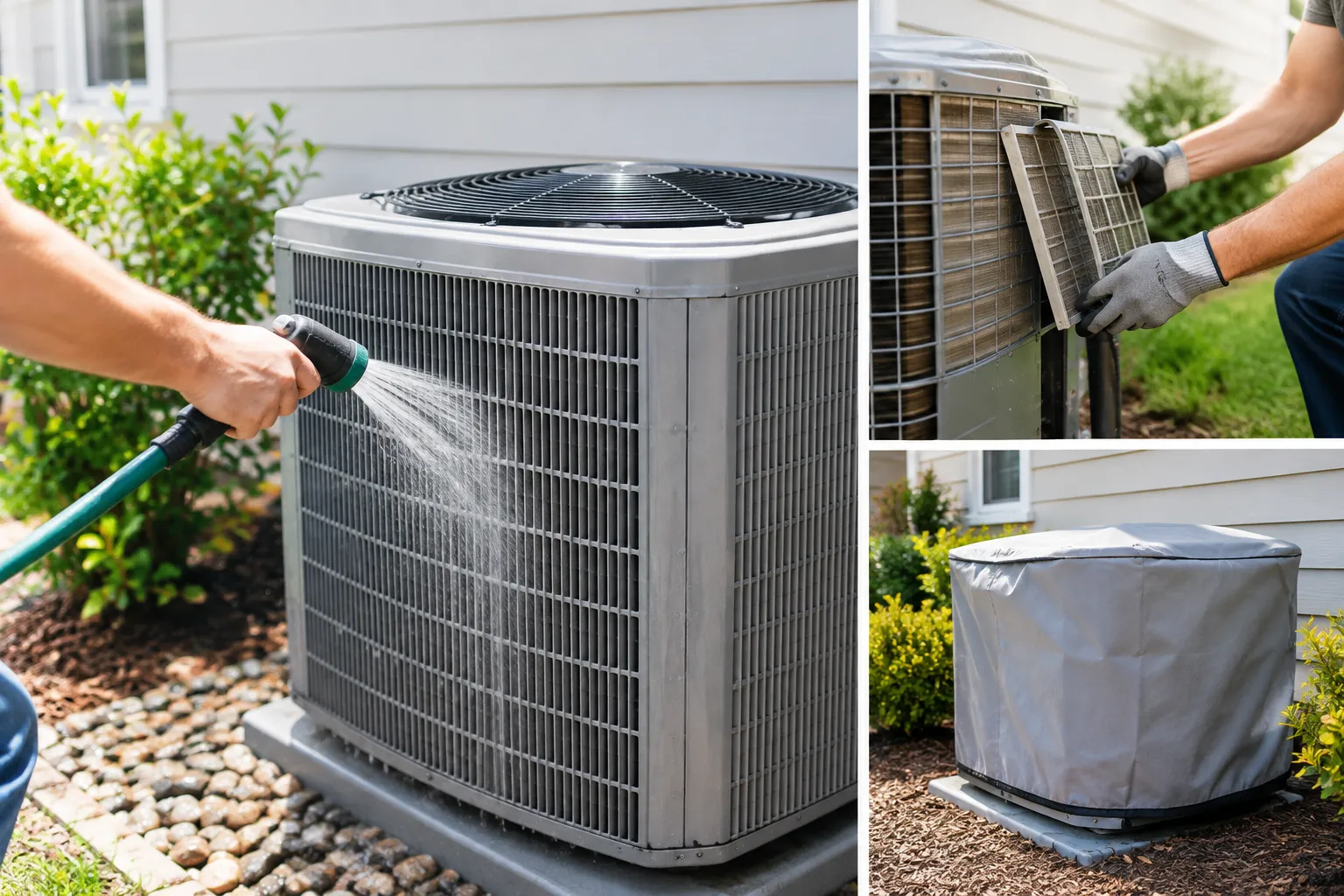
Outdoor equipment needs clear space for airflow and access. Remove loose leaves, grass clippings, and other debris around the unit, and keep stored items, plants, and yard equipment from crowding it. Follow the manufacturer’s clearance guidance; the needed space varies by equipment.
Before clearing debris close to the unit, turn the system off using the normal thermostat control. Do not open electrical panels, reach between components, bend coil fins, or spray the unit with a pressure washer. Avoid placing objects on top of the equipment, and do not chip away ice with tools. If snow, ice, or repeated freezing seems to be affecting operation, consult the manual or contact a technician.
A quick look can identify visible damage, unusual water accumulation, or debris that cannot be removed safely. Do not take the unit apart to investigate. If performance changes along with visible damage, use our guide to air conditioner repair to help decide what to check next and when to seek repair.
Know what to leave to an HVAC technician
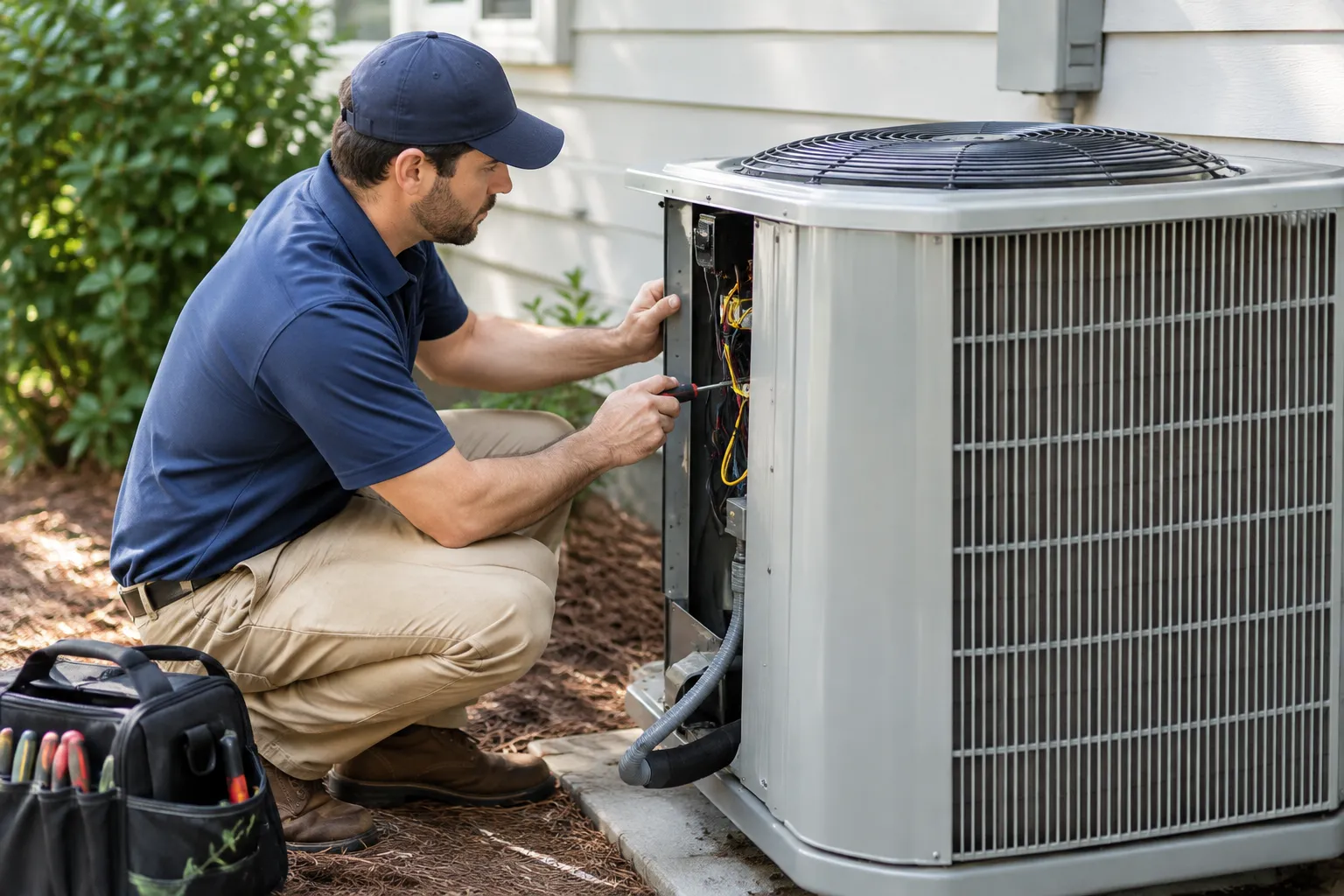
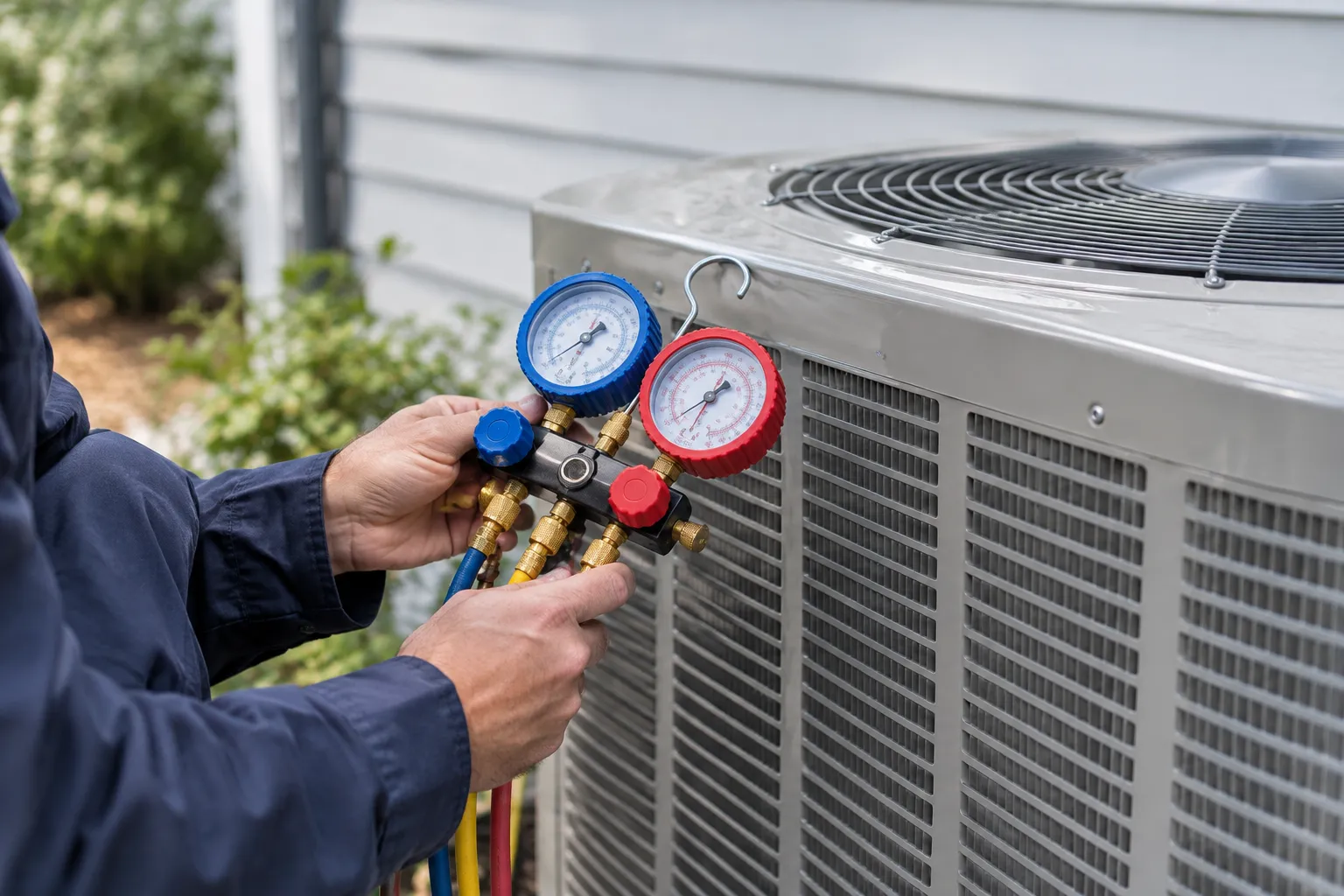
Homeowner maintenance is mainly about observation and basic care. Work inside equipment can involve electrical hazards, moving parts, hot surfaces, refrigerant, or components that require specialized tools and training. If the task involves wiring, refrigerant, opening sealed equipment, or taking apart a component, stop and contact a qualified HVAC technician.
This limit also applies when a basic check does not explain a system problem. Repeatedly resetting equipment or changing several settings at once can make it harder to identify the cause. Note what happened and what you already checked so a technician has a clearer starting point.
Schedule professional inspections and service
Have a qualified technician inspect and service the system according to its type, condition, manufacturer guidance, and local requirements. A professional visit may include checking operating components and controls, inspecting accessible parts, and identifying concerns that a homeowner cannot safely assess. Ask what work is included and whether the technician found anything that needs repair.
Keep questions specific. You might ask whether the filter and airflow are appropriate for the system, whether there are signs of wear or damage, and whether any recommended work is maintenance or a repair. If a recommendation is unclear, ask the technician to explain the finding and what could happen if it is left unaddressed.
A service visit does not guarantee that a system will never develop a fault. It gives a trained professional an opportunity to assess components that are not suitable for routine homeowner handling. Arrange service sooner if you notice a significant change in performance, repeated shutdowns, or an unusual odor or sound.
Keep a record of maintenance and repairs
A simple record makes it easier to spot patterns and explain a problem. Use a notebook, calendar, or digital note to record:
- Filter size, type, and change date.
- Date and type of professional service.
- Symptoms, including when they began and which rooms are affected.
- Unusual sounds, odors, leaks, or visible changes.
- Repairs performed and any follow-up recommended.
Keep manuals, service documents, and warranty information together if possible. When a technician visits, share relevant notes and ask for a copy of the service record. This can help distinguish a recurring issue from a new one without relying on memory.
Respond to changes in system performance
A new sound or a gradual change in airflow does not always mean the system has failed, but it is worth paying attention to. First check the safe, visible basics: thermostat mode and settings, filter condition, and whether vents or the outdoor unit are obstructed. Make one change at a time and note what happens.
Stop troubleshooting and contact a technician if the system repeatedly shuts down, will not heat or cool as expected, or makes a persistent unfamiliar noise. Do not open equipment panels or handle wiring to investigate. If you smell something that suggests burning or see smoke, turn the system off if you can do so safely and seek appropriate help; leave the area and contact emergency services if there is an immediate danger.
Watch for changes such as:
- A sudden drop in airflow or a room that no longer heats or cools normally.
- Repeated cycling, failure to start, or unexpected shutdowns.
- Water around indoor equipment or visible damage near the system.
- New buzzing, grinding, rattling, or other persistent sounds.
- Unusual odors that continue after basic checks.
Record when the change started, whether it affects the whole home or one area, and what you checked. That information can help narrow the next step without risking further damage.
HVAC Maintenance FAQ
What maintenance needs to be done on HVAC?
Check and replace the air filter as directed, keep vents and outdoor equipment clear, confirm thermostat settings, and arrange professional inspections and service suited to your system.
Is HVAC maintenance really necessary?
Yes. Routine checks help you catch blocked airflow, visible damage, and changes in performance; professional service can assess components that are unsafe or unsuitable for homeowner inspection.
What is the most common HVAC problem?
Airflow problems are a frequent reason for HVAC trouble, and a dirty filter or blocked vent is a basic place to check. Persistent symptoms can have other causes and may need diagnosis.
How long does a typical HVAC system last?
There is no single lifespan for every HVAC system; service history, use, installation, climate, and equipment type all matter. Use condition and repair needs—not age alone—to guide decisions.
What does the $5,000 rule mean when deciding whether to repair or replace an HVAC system?
The $5,000 rule is a rough rule of thumb that multiplies a system’s age by an estimated repair cost; it is not a universal standard. Compare a technician’s findings, repair scope, and replacement options before deciding.
How can I tell whether my HVAC system needs repair rather than routine maintenance?
A system that will not start, repeatedly shuts down, produces unusual sounds or odors, or no longer heats or cools normally may need repair. Basic checks can rule out simple issues but cannot diagnose internal faults.
Can I clean HVAC coils myself?
Do not remove panels or scrub coils unless the manufacturer specifically describes a safe homeowner procedure. Coil cleaning can damage delicate parts, so ask a qualified technician when coils appear dirty or performance changes.
Should I turn off my HVAC system before doing basic maintenance?
Turn the system off before removing a filter or clearing debris near outdoor equipment if the manufacturer’s instructions call for it. Never reach into moving equipment or open electrical compartments.
Start a maintenance routine that fits your home
Begin with the system manual, filter instructions, and a note of the filter size. Choose a reminder that suits your household for checking the filter, vents, thermostat, and visible outdoor conditions. Adjust the frequency to the manufacturer’s guidance and what you actually observe.
If a check reveals damage, a persistent performance change, or a task involving wiring, refrigerant, or internal components, stop rather than expanding a small maintenance task into a risky repair. Keep notes and arrange qualified service when the issue calls for it. A short, consistent routine makes it easier to know what you have checked—and what needs attention next.